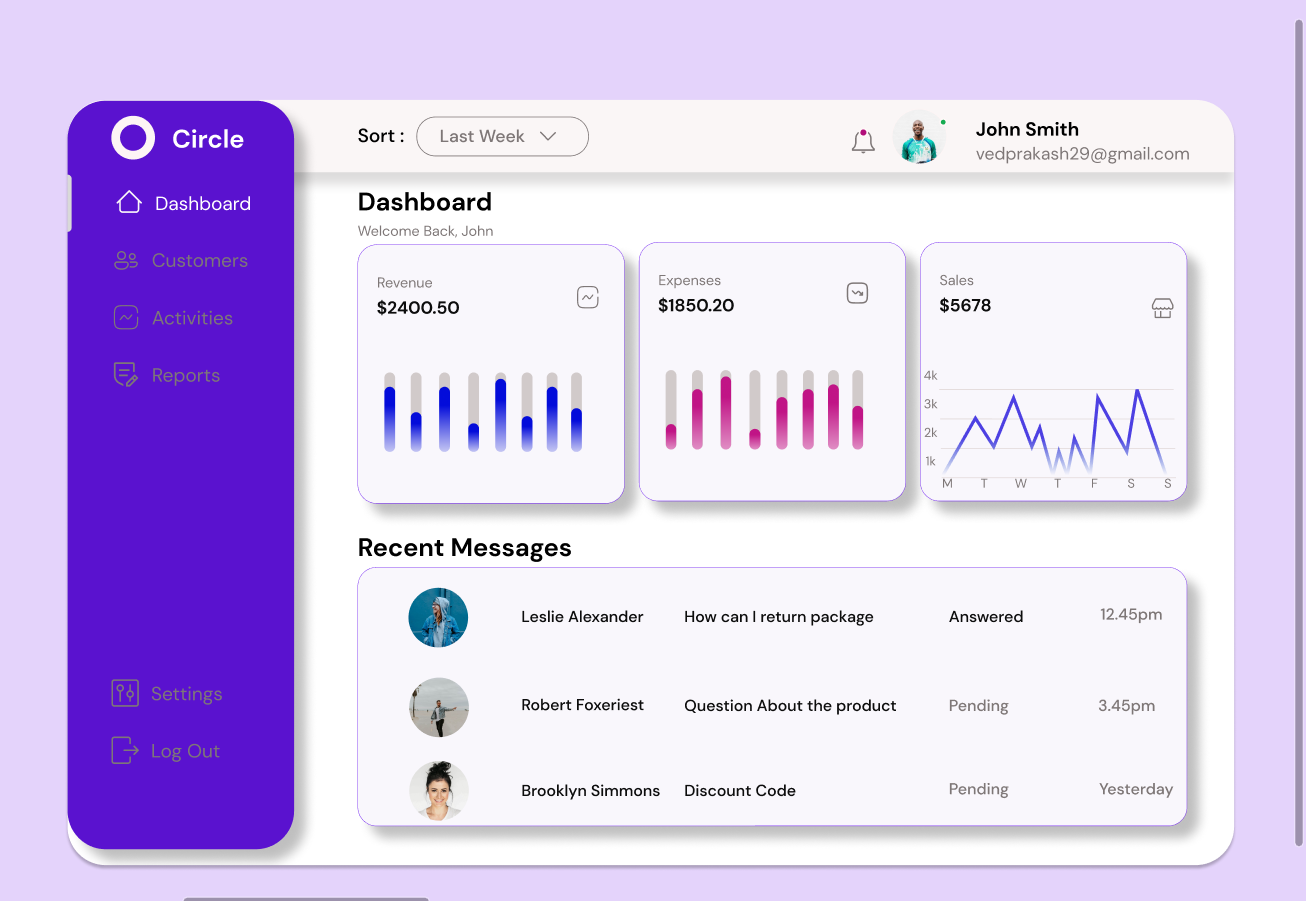
Introduction
Aaj kal web development sirf coding nahi raha.
Pehle kya hota tha?
Direct HTML/CSS likho
Phir layout adjust karo
Phir client bole “design change karo”
Time waste + frustration.
Isliye smart developers pehle design, baad me code approach follow karte hain.
Yahin par Figma game change karta hai.
Figma tumhe:
website ka blueprint banane deta hai
design preview dikhata hai
aur developers ko exact measurements deta hai
Matlab:
“Guesswork khatam, direct clean coding.”
Agar tum beginner ho, trust me — Figma seekhna tumhari learning 2x fast kar dega.
Figma Kya Hai? (Simple Words)
Figma ek:
Cloud-based UI/UX design tool hai
Tum browser me hi:
- design bana sakte ho
- prototype bana sakte ho
- team ke saath collaborate kar sakte ho
Koi heavy software install karne ki zarurat nahi.
Bas login karo → design start karo
Why Web Developers Should Use Figma?
Tum soch rahe hoge:
“Main toh direct code kar sakta hoon, Figma kyun?”
Valid question.
But dekho benefits
1. Better Planning
Layout pehle dikh jata hai → coding easy
2. Faster Development
Design fix hone ke baad coding smooth
3. Pixel Perfect UI
Exact:
- color codes
- margins
- fonts
- spacing
Sab mil jata hai.
4. Client Approval Easy
Client ko design pehle dikhao → changes wahin karo
5. Reusable Components
Ek baar button banao → har page pe use karo
Time saved = huge
Step 1 – Figma Account Setup
Super easy hai:
- figma.com pe jao
- Sign up karo
- Google ya email use karo
- Free plan select karo
Bas. Start designing.
Free version beginners ke liye more than enough hai.
Step 2 – Figma Interface Samjho
Jab first time open karoge, thoda confusing lagega.
But 10 min me clear ho jayega.
Main sections:
| Section | Kaam |
|---|---|
| Toolbar | Shapes, text, frames |
| Canvas | Design area |
| Layers | Elements list |
| Properties | Size, color, spacing |
Practice tip:
Rectangle banao → color change karo → text add karo
3–4 experiments ke baad comfortable ho jaoge.
Step 3 – Website Wireframe Banao (Most Important)
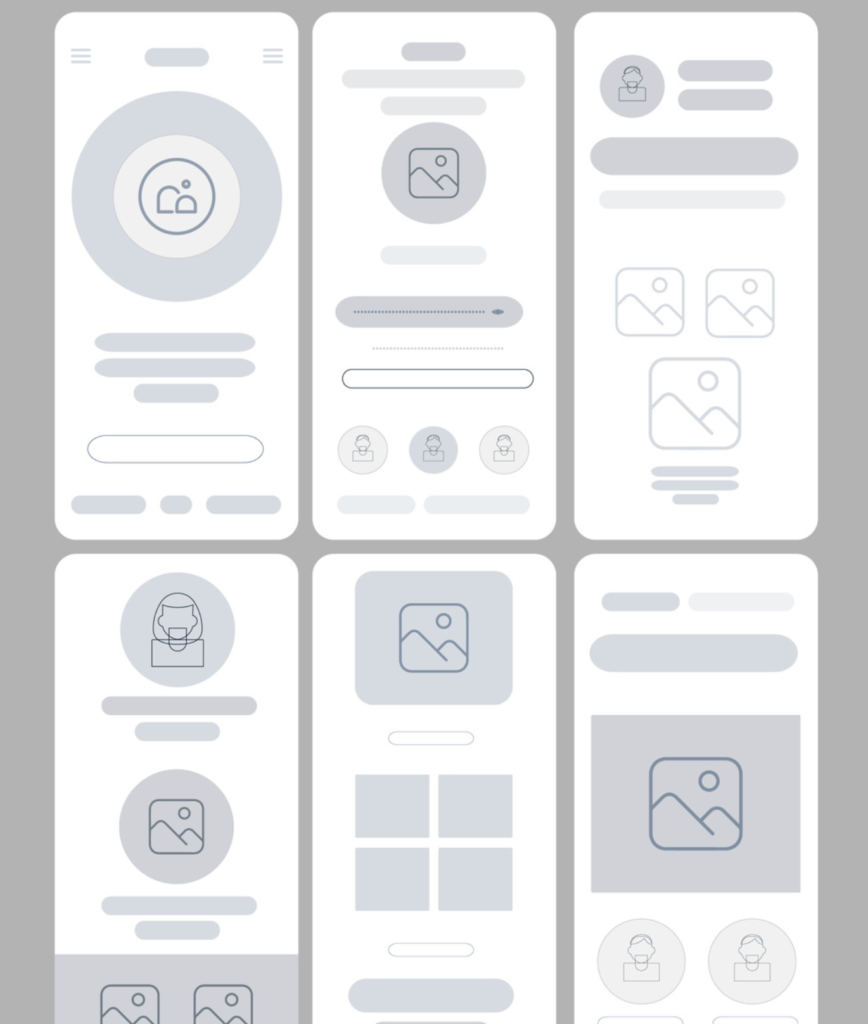
Wireframe matlab:
website ka rough skeleton (no colors)
Example layout:
- Header (logo + menu)
- Hero section
- Services
- Content
- Footer
Figma me kaise?
- Frame (F) select karo
- Desktop size choose karo
- Rectangles se layout blocks banao
Simple rakho.
Design nahi — sirf structure.
Ye step tumhe coding time me 50% time bachata hai.
Step 4 – UI Design (Make It Beautiful)
Ab fun part
Wireframe ready?
Ab styling karo:
Add:
colors
fonts
images
icons
spacing
Golden rules:
- 2–3 colors max
- 1–2 fonts only
- proper white space
- consistent buttons
Clean design = professional look
Step 5 – Components Use Karo (Pro Level Trick)
Ye beginners miss kar dete hain.
Components kya hote hain?
Reusable elements.
Example:
Button bana → component bana do
Ab:
- 20 jagah use karo
- color change karo → sab jagah auto update
Mind blowing time saver
Step 6 – Prototype Banao (Without Coding)
Figma ka best feature:
Interactive preview
Tum simulate kar sakte ho:
- button click
- page change
- animations
- navigation
Steps:
Prototype tab → element connect → preview
Client ko real website jaisa feel milta hai.
Coding se pehle testing ho jati hai.
Step 7 – Developer Handoff (Coding Easy Mode)
Ab coding time.
Figma se:
Developers directly:
- CSS copy kar sakte
- colors copy kar sakte
- fonts check kar sakte
- spacing measure kar sakte
- assets export kar sakte
Matlab:
Guess nahi
Trial-error nahi
Direct clean code.
Step 8 – Figma → Code Conversion
3 options:
Manual (best)
HTML + CSS + JS likho
Plugins
Auto export tools (thoda cleanup needed)
No-code
Webflow type tools
Beginners ke liye:
Manual coding best learning hai
Pro Tips (Experience se)
Auto Layout use karo
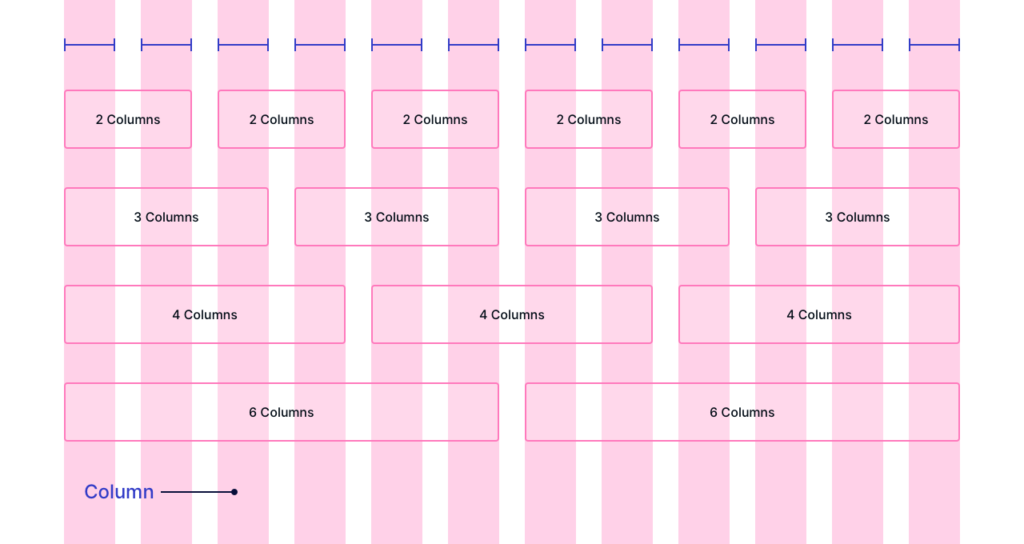
Grid system follow karo
Layer names clean rakho
Components reuse karo
Mobile design bhi banao
Future of Figma
Design + Dev ka gap kam ho raha hai.
Ab:
- AI tools
- auto code export
- faster workflows
Future me:
design se direct website possible ho jayega
So Figma skill future-proof hai.
Final Thoughts
Om, simple baat:
Agar tum beginner ho aur:
- clean UI banana chahte ho
- professional projects karna chahte ho
- freelancing start karna hai
- ya job lena hai
Figma must-learn skill hai
Start today:
1 wireframe banao
1 landing page design karo
phir code karo
3–4 projects ke baad tum pro feel karoge

Some say he can reconstruct a quarter’s true performance from three bank statements, two emails, and the way someone said “approximately.”